User account dashboard
The Embedded Wallets account dashboard gives your users one place to manage their account across every dapp that uses MetaMask Embedded Wallets. Users can configure recovery and multi-factor authentication (MFA), review and revoke connected dapps, and manage trusted devices.
Try the live account dashboard.
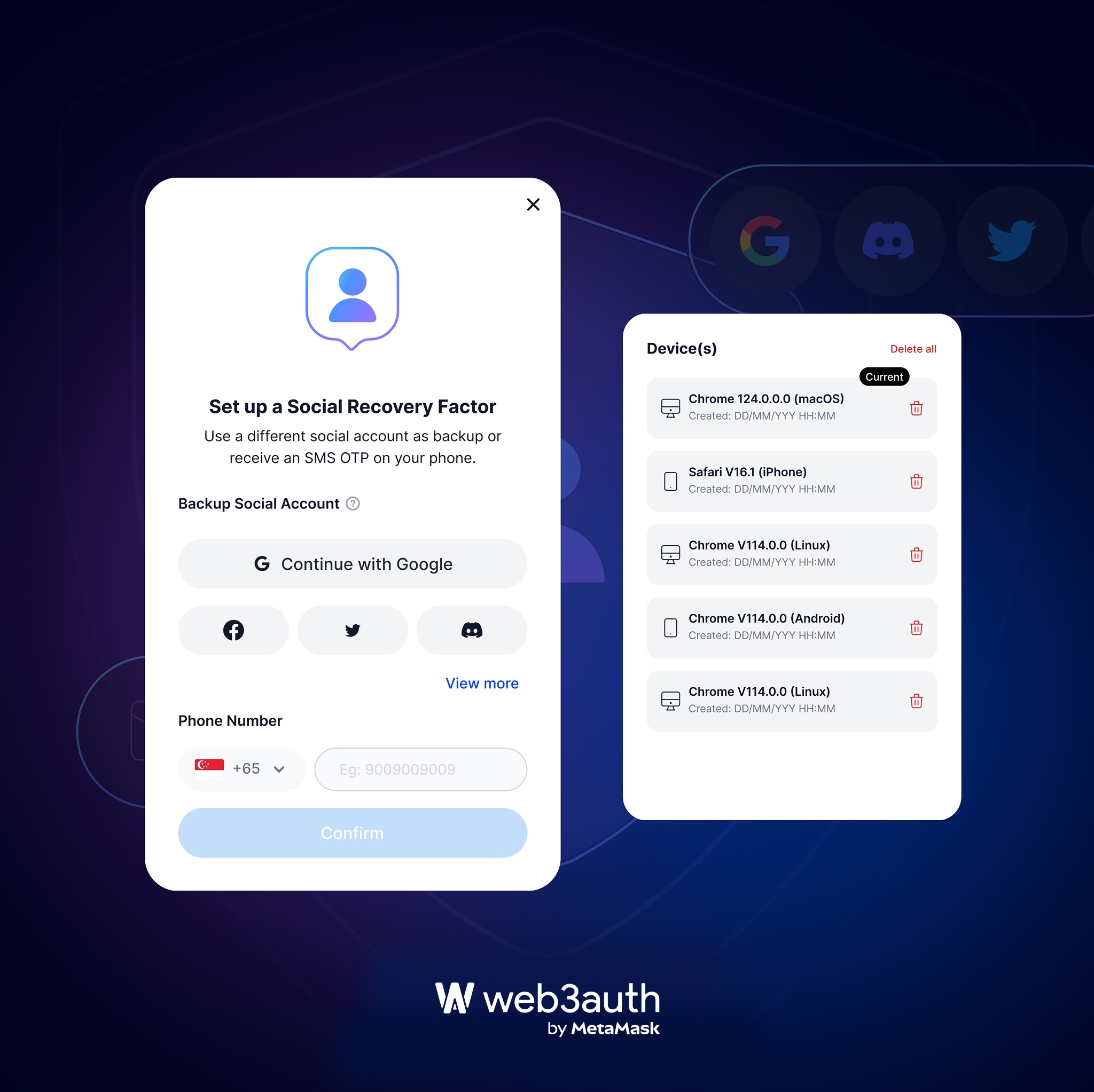
Recovery and MFA
Users can:
- Set up and manage recovery factors: password, social recovery, authenticator app, recovery phrase, and passkeys.
- Unhide and copy their backup phrase.
- Resend the recovery phrase to a registered email address.
- Add or remove MFA factors at any time.
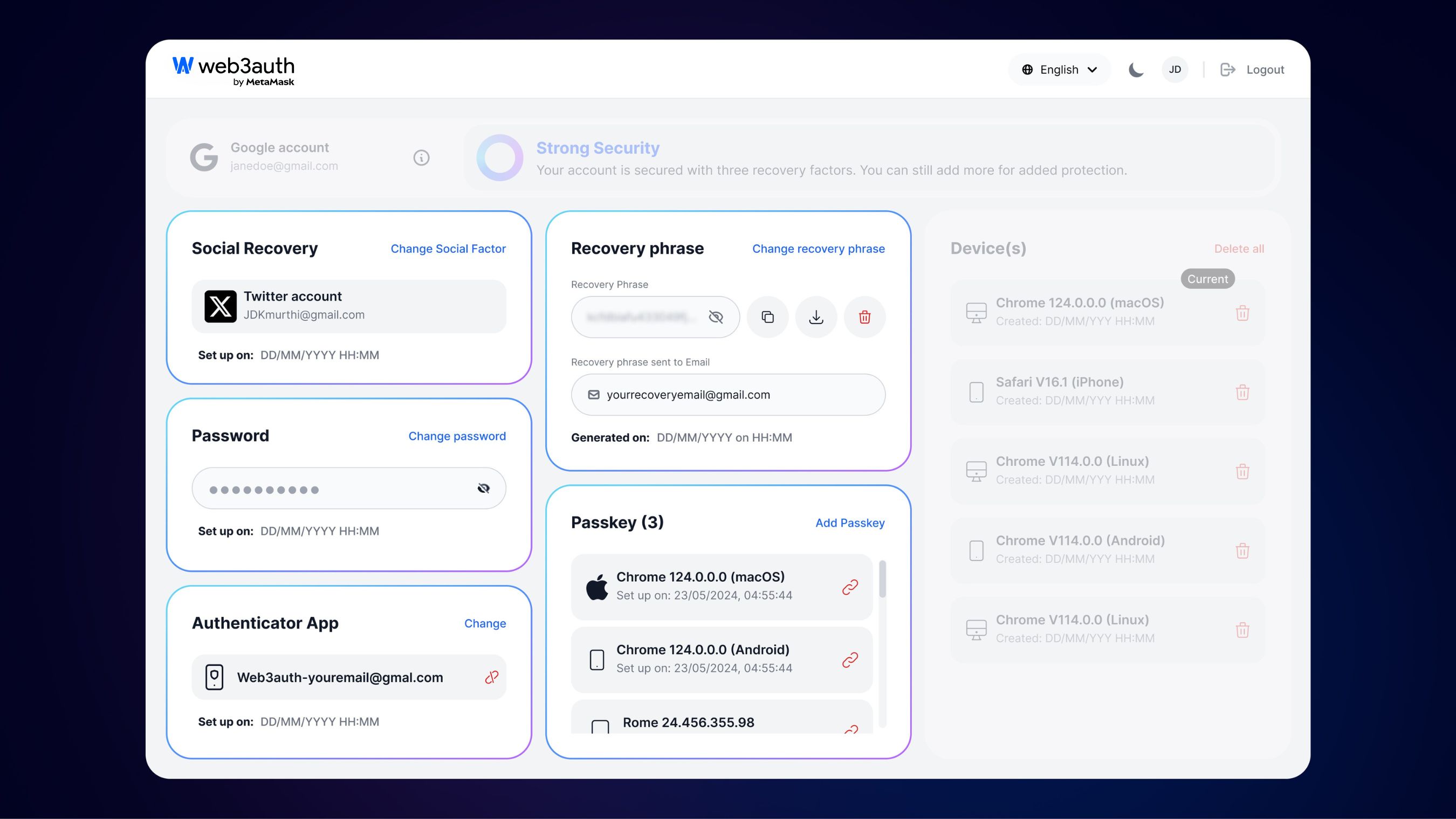
Connected dapps and sessions
Users can see which dapps are connected to their account and stay in control of access:
- View all dapps authorized to use the account.
- Revoke a dapp's access instantly.
- Sign out of active sessions as needed.
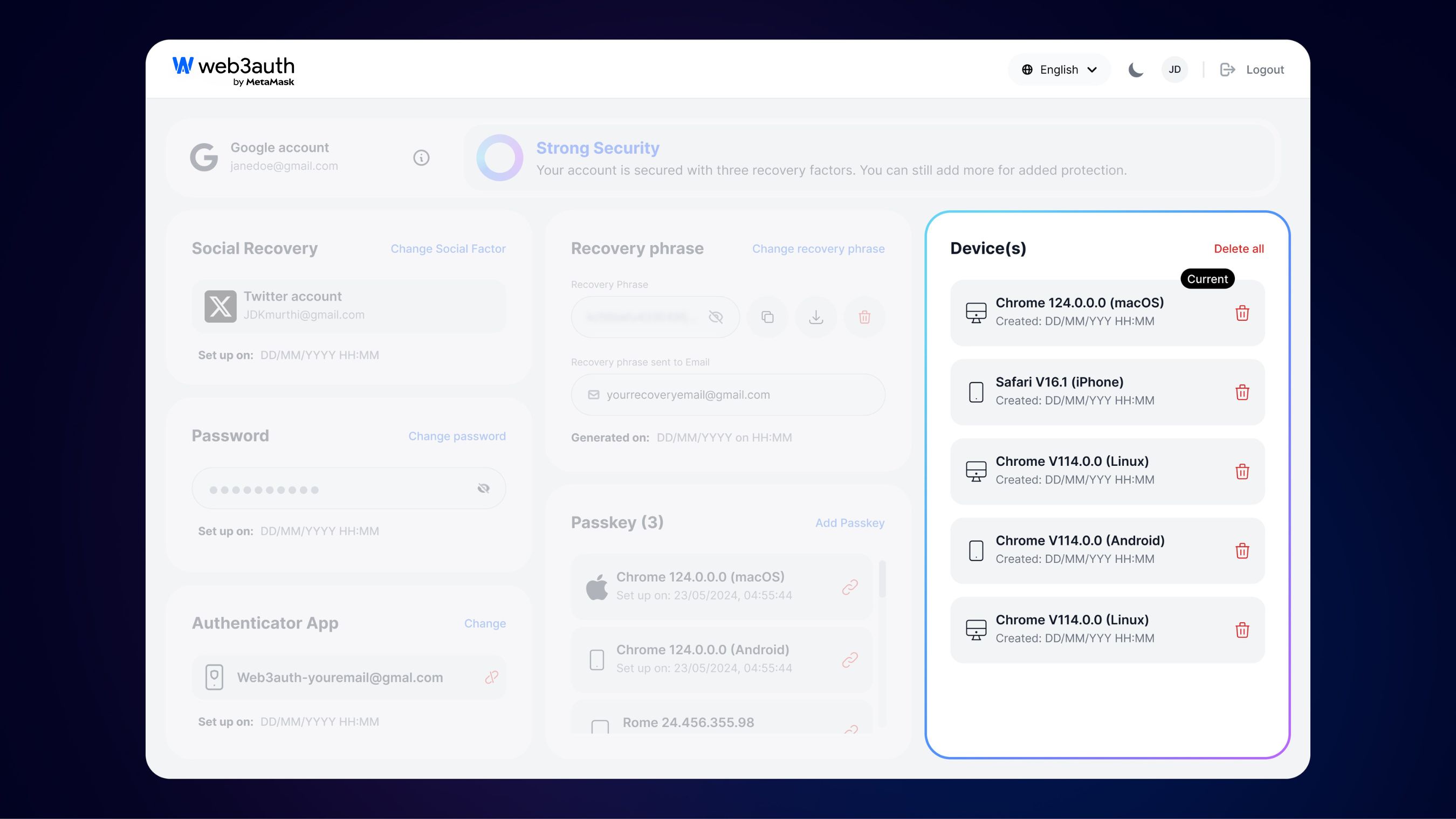
Devices
Users can view and manage every device connected to their account:
- Add trusted devices.
- Remove unused or unauthorized devices.
- Set the current device as the default for added convenience.
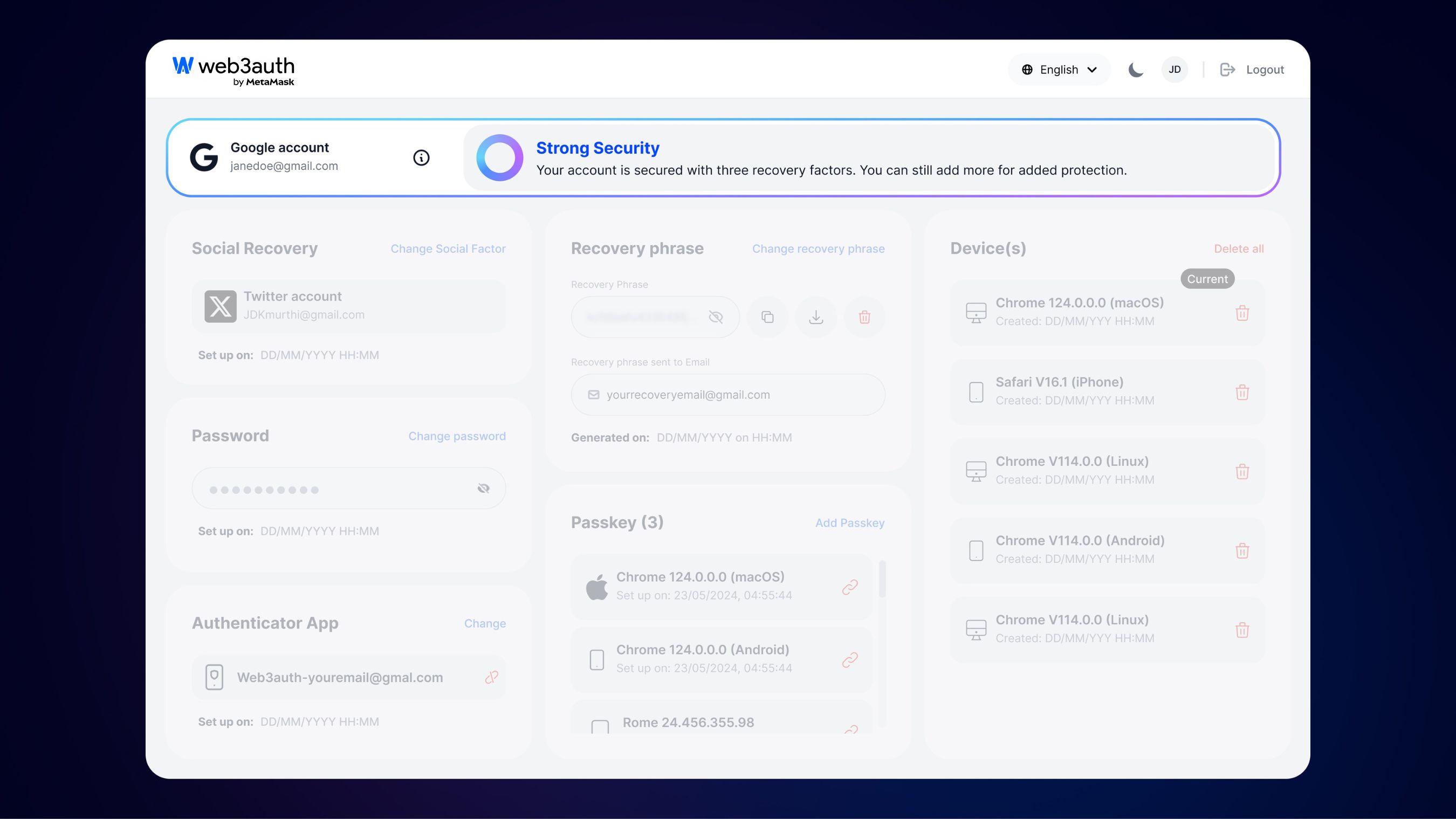
Security status
A visual indicator shows the overall security status of the account, prompting users to set up additional recovery factors for stronger protection.
Use the dashboard in your dapp
Users access the dashboard after authenticating with any dapp that uses Embedded Wallets.
For a smoother experience, add a Manage account or Security link to account.web3auth.io in your dapp's settings or profile screen.
Encourage your users to:
- Set up at least three recovery factors.
- Regularly review connected dapps and sessions.
- Periodically review devices and enable an authenticator app.
FAQ
Can users access the account dashboard without logging in?
No. Users must authenticate before they can access the dashboard.
What recovery factors are supported?
The account dashboard supports the following recovery factors:
- Social recovery
- Recovery phrase
- Password
- Authenticator app
- Passkeys